How To Car Wash Mode Tesla (Step-By-Step Guide)
If you own a Tesla, keeping it clean is more than just about looks. It is about protecting your paint and your investment. But washing a Tesla is not quite the same as washing a regular car. That is where Car Wash Mode comes in. Learning how to car wash mode Tesla vehicles the right way can save you from accidental damage and make the whole process smoother.
At Aj’s Auto Detailing in San Luis Obispo, we work on Teslas all the time. We know these cars inside and out. In this guide, we will walk you through everything you need to know about Car Wash Mode, step by step. Let us get into it.
What Is Car Wash Mode on a Tesla
Car Wash Mode is a special setting built into your Tesla’s software. It prepares the vehicle for washing by locking down certain features that could cause problems during the process. Think of it as putting your car into a safe state before it gets soaked with water and soap.
When you activate this mode, your Tesla knows it is about to be cleaned. It adjusts several systems automatically so nothing goes wrong. Here is what Car Wash Mode is all about:
- It closes all windows and locks them in place so water stays out.
- It disables the windshield wipers so they do not activate from sensing water.
- It locks the charge port so soap and moisture stay away from the charging area.
- It turns off certain sensors that might trigger alarms or unwanted actions.
- It helps prevent the doors and mirrors from responding to touch during cleaning.
- It gives you PEACE of mind while your car goes through a wash.
In short, Car Wash Mode is your Tesla’s way of getting ready for a bath. It is a smart feature that not every car has, and it makes cleaning your Tesla much safer.
How to Enable Car Wash Mode on Your Tesla
Turning on Car Wash Mode is simple once you know where to look. It only takes a few taps on your touchscreen. Make sure your car is parked and in a safe spot before you begin. You should not be moving when you enable this feature.
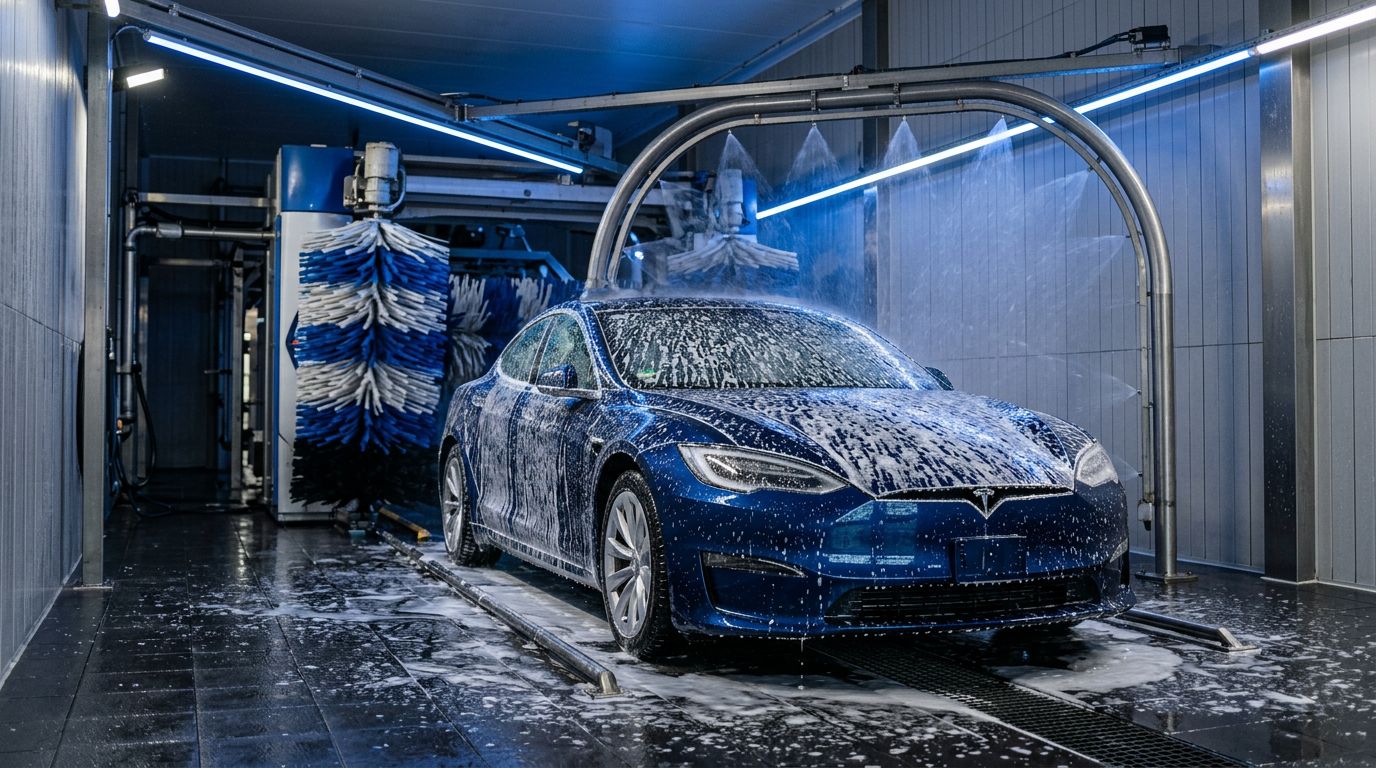
Follow these steps to activate Car Wash Mode on your Tesla:
- Put your Tesla in Park. The car must be stationary to access this setting.
- Tap the vehicle icon or the car symbol on your touchscreen.
- Go to the Controls menu.
- Select the Service option from the list.
- Tap on Car Wash Mode.
- Confirm that you want to enable it. Your car will now enter the mode.
- If you are going through an automatic car wash with rollers, enable the Free Roll option so your car can move on the conveyor without going into neutral manually.
Once activated, you will see a confirmation on the screen. Your windows will close, the wipers will stop, and the charge port will lock. Now you are ready to wash.
What Car Wash Mode Does to Your Tesla
You might wonder what actually happens behind the scenes when you turn this feature on. Car Wash Mode does more than just close your windows. It puts your entire vehicle into a protective state designed for washing. Understanding these changes helps you feel confident during the process.
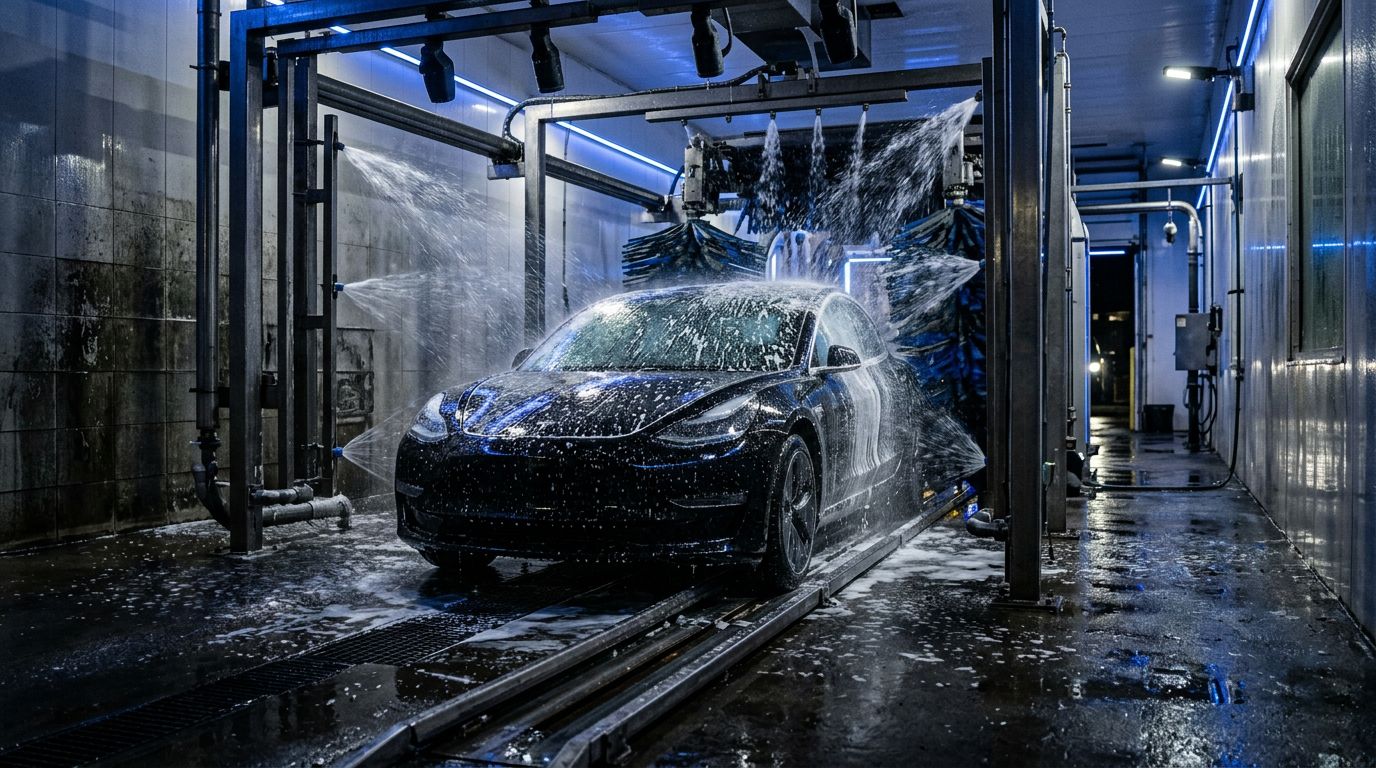
Here is exactly what Car Wash Mode does to your Tesla:
- Closes and locks all windows to keep water and soap outside the cabin.
- Disables the windshield wipers so they do not sweep across a soapy windshield.
- Locks the charge port to protect the charging connection from moisture.
- Disables Sentry Mode so alarms do not go off when someone touches the car.
- Turns off the parking sensors to prevent chimes and warnings during the wash.
- Limits touchscreen distractions so the car stays focused on wash safety.
- Enables Free Roll on some models so the car can move through a conveyor wash smoothly.
All of these adjustments happen at once. That means you do not have to manually close windows or dig through menus. Your Tesla handles the important stuff for you. This is why we always recommend using it when you clean your car.
Which Tesla Models Support Car Wash Mode
Car Wash Mode is a fairly recent feature that arrived through Tesla’s software updates. Because Tesla pushes updates over the air, most modern Teslas have access to it. Still, it helps to know which models generally support the feature so you know what to expect.
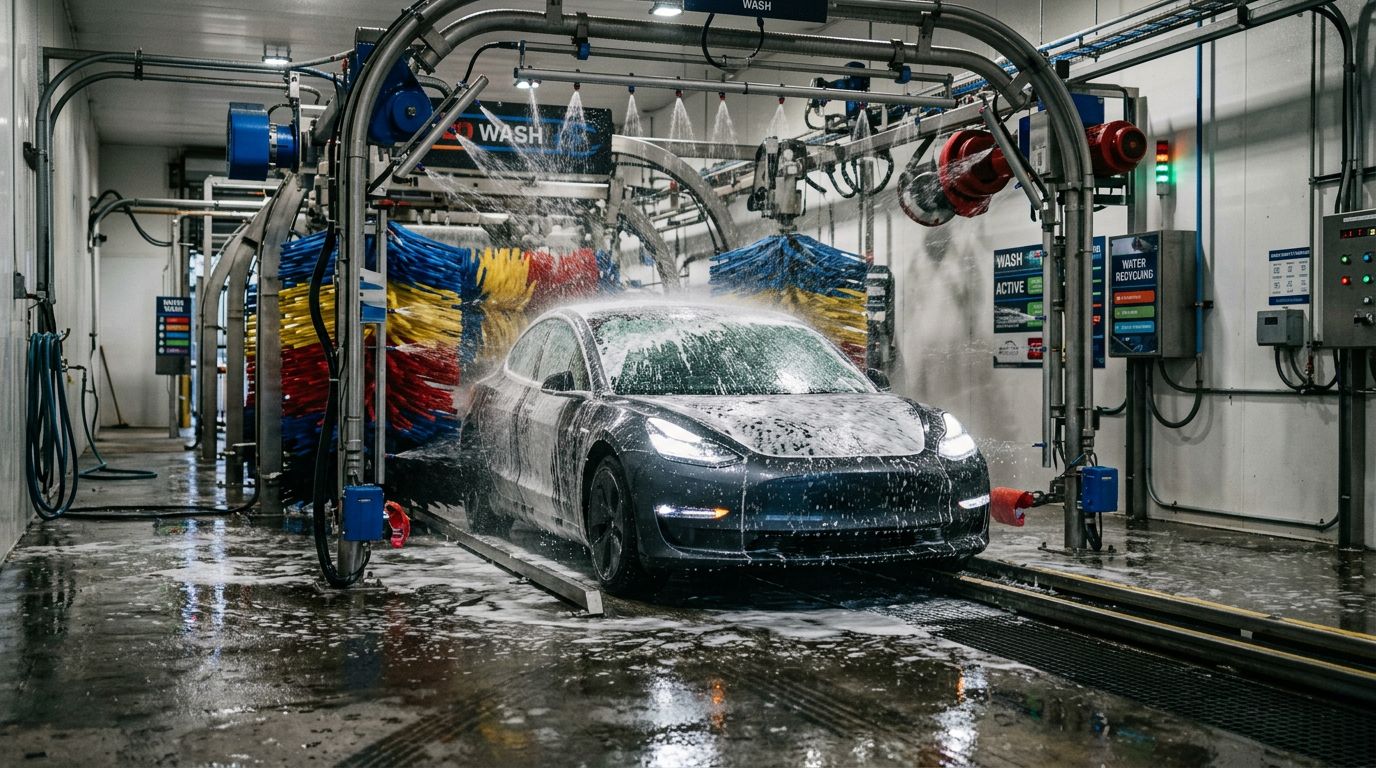
Here are the Tesla models that typically support Car Wash Mode:
- Tesla Model 3 with a current software version.
- Tesla Model Y with a current software version.
- Tesla Model S with newer software updates installed.
- Tesla Model X with newer software updates installed.
- Refreshed and newer builds of these models that receive regular updates.
If you do not see the option on your screen, your software may need an update. Make sure your Tesla is connected to Wi-Fi and check for the latest version. Once updated, the feature should appear under the Service menu. Keep in mind that Tesla can change how features work over time, so always check your car’s current menu layout.
How to Exit Car Wash Mode After Washing
Getting out of Car Wash Mode is just as easy as turning it on. In most cases, your Tesla will exit the mode on its own once you start driving. But it is good to know the manual steps too, especially if you want to make sure everything is back to normal before you leave.
Here is how to exit Car Wash Mode after you finish washing:
- Return to the touchscreen and open the Controls menu.
- Go back to the Service section where you found the setting.
- Tap Car Wash Mode to turn it OFF.
- Alternatively, simply drive above a certain low speed and the mode will disable on its own.
- Check that your windows, wipers, and charge port are functioning normally again.
- Confirm that Sentry Mode and your sensors are back on if you use them.
Once you exit, your Tesla returns to its regular settings. It is a smart idea to do a quick check before you hit the road. Make sure nothing feels off and that all your features are working as they should.
Common Car Wash Mode Problems and Fixes
Even though Car Wash Mode is easy to use, some drivers run into small issues from time to time. Most problems have simple fixes. Below are the most common ones we hear about, along with what you can do about them.
Car Wash Mode Option Is Missing
If you cannot find Car Wash Mode on your screen, the most likely reason is an outdated software version. Connect your Tesla to Wi-Fi and check for the newest update. Once installed, the feature should appear in the Service menu. Restarting the touchscreen can also help if the update is already loaded.
Windows Will Not Close
Sometimes a window may not fully close when you activate the mode. Try disabling and re-enabling Car Wash Mode. If that does not work, manually roll the window up using the controls. A quick reboot of the system often clears up minor glitches like this.
Car Wash Mode Turns Off Too Early
Car Wash Mode disables itself when the car reaches a certain speed. If it keeps turning off during an automatic wash, make sure Free Roll is enabled. This lets the car move through the conveyor without exiting the mode. Keeping the car in the right setting solves this problem most of the time.
Charge Port Stays Locked
After washing, some owners notice the charge port is still locked. This usually clears up once you fully exit Car Wash Mode. If it stays locked, tap the charge port button in the app or on the screen. A system restart can also release it if needed.
Wipers Activate Unexpectedly
If your wipers turn on during a wash, Car Wash Mode may not be active. Double check that it is enabled before you start. If the wipers still move, confirm your auto-wipers setting is turned off. This keeps them from reacting to the water on your windshield.
Touchscreen Freezes During Wash
A frozen screen can be worrying, but it is usually not serious. Hold down both scroll wheels on the steering wheel to reboot the display. Wait for it to restart, then check that Car Wash Mode is still active. This simple reset fixes most screen hiccups.
Conclusion
Car Wash Mode is one of those Tesla features that makes life easier once you know how to use it. It closes your windows, locks your charge port, disables your wipers, and keeps your car safe while it gets clean. Turning it on takes just a few taps, and exiting is even simpler. If you run into a problem, most fixes come down to a quick update or a system restart.
Keeping your Tesla spotless is about more than a shine. It is about protecting your paint and preserving value over time. At Aj’s Auto Detailing, we proudly serve San Luis Obispo, Pismo Beach, Santa Maria, King City, Grover Beach, Lompoc, Goleta, Arroyo Grande, and Avenal. From mobile detailing and ceramic coating to paint correction and scratch removal, we are here to help your Tesla look its BEST. Reach out to us when you are ready for professional care your car will love.